🎉 Version v1.0.4-build.70 is now available
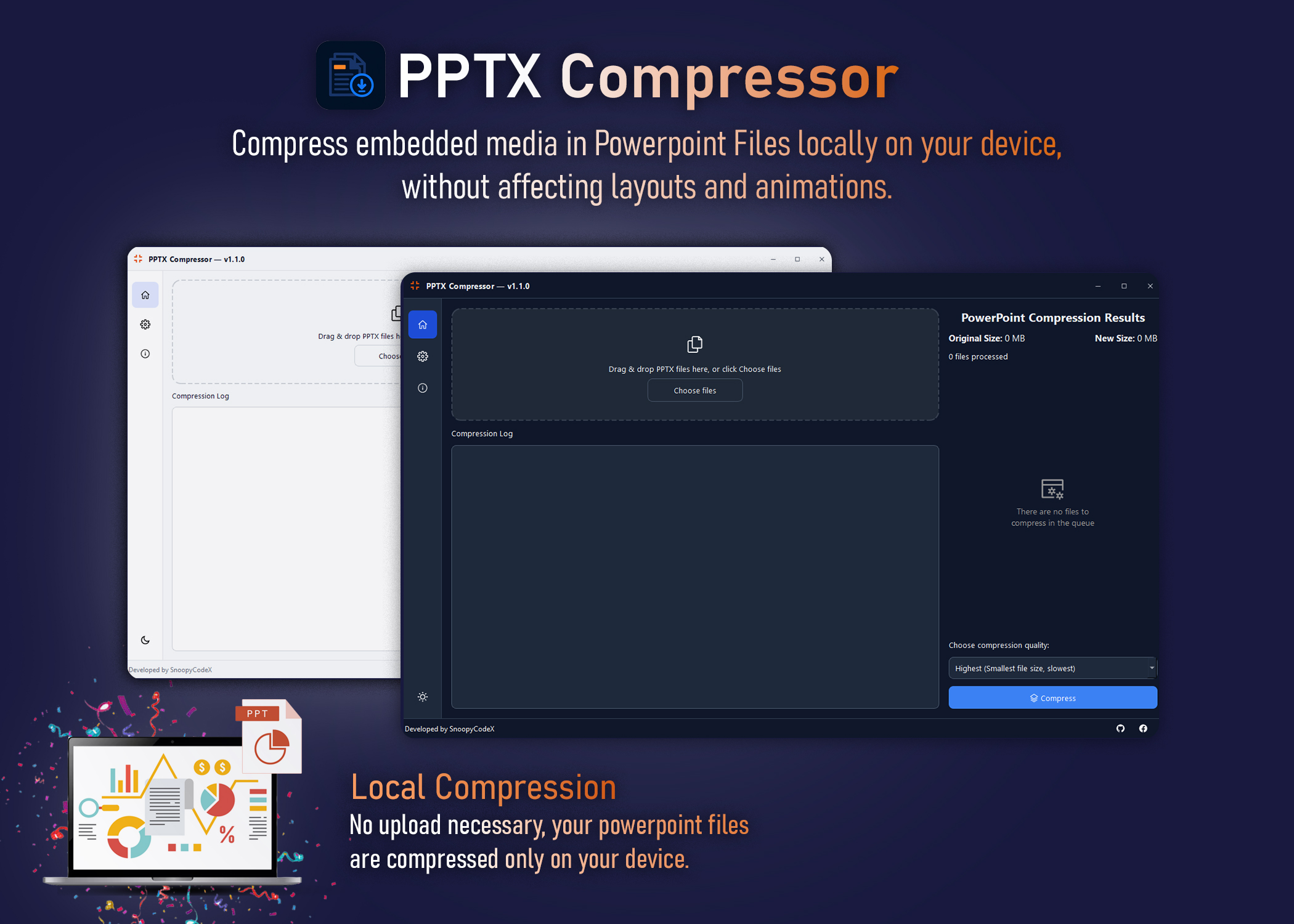
Compress embedded media in PowerPoint files
locally on your device.
Without affecting layouts and animations. No cloud uploads. Maximum privacy.
Requires x64 Windows 10 or later.•Requires 4GB+ of RAM•46 downloads
Why use PPTX Compressor?
A fast, private, and efficient way to reduce presentation file sizes before sharing.
How it works
Three simple steps to significantly smaller presentations.
Select
Drag and drop your PPTX files into the app.
Choose Quality
Select the desired compression level depending on your needs.
Compress
Hit compress, wait for the process to finish and get your smaller files.
Previous Versions
Download older releases or review the changelog.